
Have you ever sent a text on your iPhone and watched the bubble turn green instead of blue 💙? If so, you are not alone. Millions of iPhone users search for the Green Text Meaning on iPhone every month, wondering if something is broken, if they got blocked, or if their phone is glitching.
Take a breath 🌿. The truth is far less dramatic than it feels. In this complete guide, we explain the full Green Text Meaning on iPhone story, covering iMessage basics, Reddit discussions, security, delivery status, and simple fixes. By the end, you will never panic over a green bubble again 🎉.
What Does Green Text Mean on iPhone? 🟢
In the simplest terms, a green bubble means your message was sent as a standard SMS or MMS text rather than through Apple’s iMessage system.
This is the foundation of the entire Green Text Meaning on iPhone conversation. Every iPhone comes with two ways to send a message:
- iMessage 💙, Apple’s own internet based messaging service that works over Wi Fi or cellular data
- SMS/MMS 💚, the traditional carrier based texting system used by every phone, including Android
When both people use iMessage on Apple devices, the bubble is blue. When one side cannot use iMessage, your iPhone falls back to SMS or MMS, and the bubble turns green.
So the core Green Text Meaning on iPhone answer is this: the recipient did not receive your message through Apple’s private network. It was delivered the old fashioned way, through your mobile carrier.
Why Are Some Messages Green Instead of Blue? 🤔
Digging deeper into the Green Text Meaning on iPhone puzzle, there are a handful of everyday reasons your texts might show up green instead of blue:
- The recipient owns an Android phone or another non Apple device 📱
- iMessage is turned off on your iPhone or theirs
- Either device has no internet connection right now
- Apple’s iMessage servers are having a temporary outage
- You are texting a landline number that cannot use iMessage
- A group chat includes even one non iPhone member
None of these reasons are unusual, and understanding them takes most of the mystery out of the Green Text Meaning on iPhone question.
Green Text Vs Blue Text on iPhone 🆚
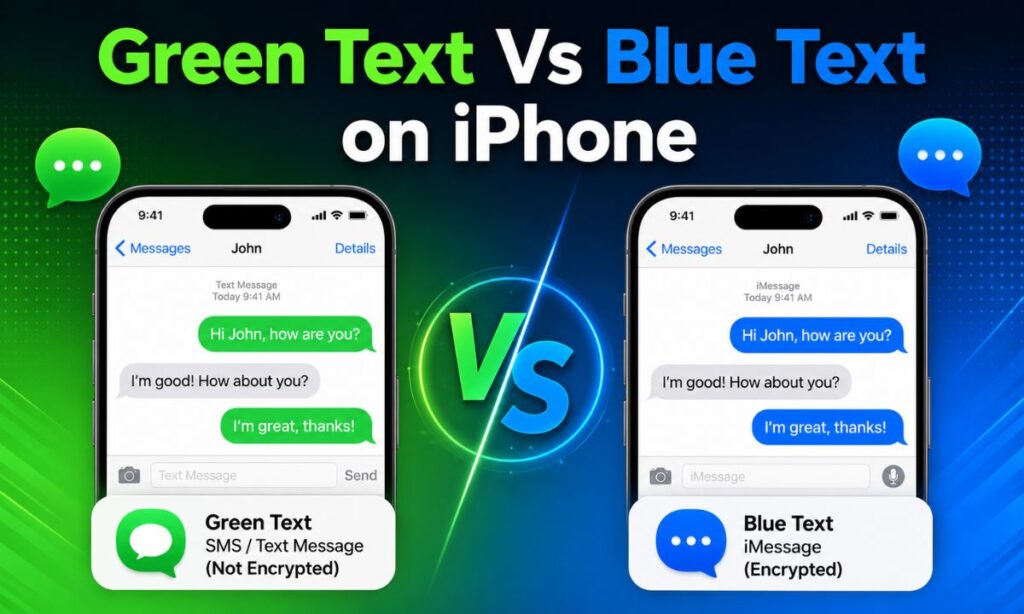
A big part of grasping the Green Text Meaning on iPhone is seeing how the two systems compare side by side. The comparison below breaks down the practical differences so you can see them at a glance.
📶 Sent Using Blue text uses Wi Fi or mobile data. Green text uses your carrier’s network.
📱 Works Between Blue text only works between Apple devices. Green text works between any phone.
🔒 Encryption Blue text is end to end encrypted. Green text is not encrypted.
✅ Read Receipts Blue text supports read receipts. Green text does not.
⌨️ Typing Indicator Blue text shows a typing indicator. Green text does not.
😍 Tapback Reactions Blue text shows full emoji reactions. Green text sends reactions as plain text.
🖼️ Photo And Video Quality Blue text sends full quality media. Green text often compresses photos and videos.
👥 Group Chat Features Blue text offers rich, interactive group chats. Green text offers basic, limited group chats.
💵 Carrier Text Charges Blue text never counts as a carrier text since it uses data. Green text may count toward your plan’s SMS charges.
As you can see, the difference is about which network carries your message, not about urgency or importance.
Green Text Meaning on iPhone Not Working 🚫
Sometimes green messages simply will not send, or the contact never receives anything. If this happens, check the following:
- Confirm you actually have cell signal or a working internet connection
- Restart the Messages app, or restart your iPhone completely
- Check that the recipient’s phone number is entered correctly
- Make sure Airplane Mode is off
- Contact your carrier to confirm SMS/MMS service is active on your plan
If SMS fails while iMessage works fine, the issue usually sits with your cellular plan or carrier settings, not your iPhone.
Green Text Meaning on iPhone Reddit 💬
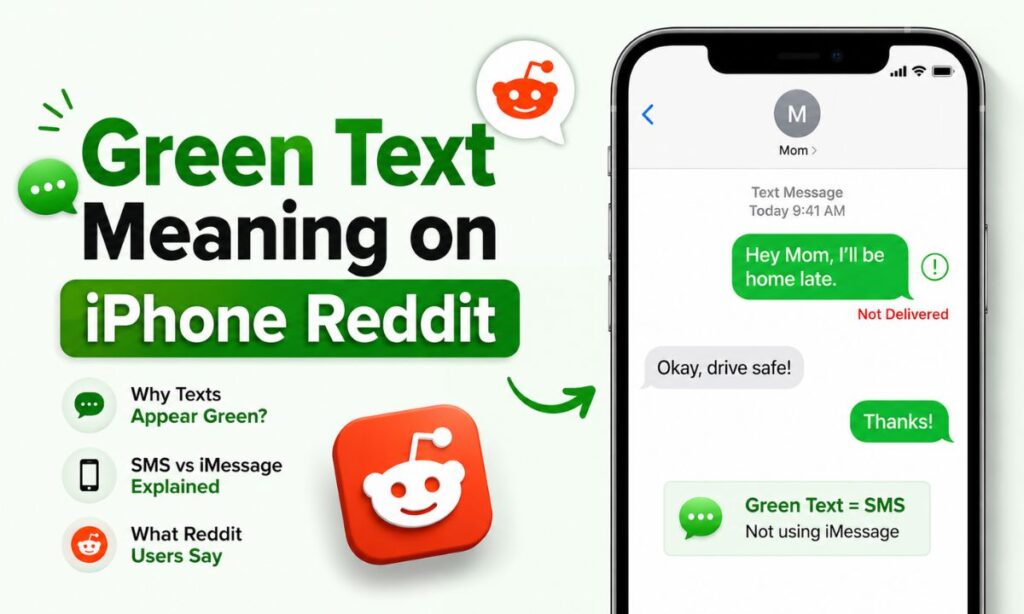
Reddit threads about this topic are everywhere, and the community consensus lines up with Apple’s own explanation. Most Reddit users agree that:
- Green does not automatically mean you are blocked
- It usually points to a non iPhone recipient, a disabled setting, or a poor connection
- Texts often turn green briefly during Apple server outages, then switch back to blue
If you search Reddit for the Green Text Meaning on iPhone, you will find hundreds of similar stories, and the advice is always the same: check your settings before assuming the worst.
Does green text mean blocked? 🚷
No. A green bubble almost always means the message was sent as SMS, not that you have been blocked by the recipient.
Why is my iPhone sending green messages to one contact? 📵
That single contact likely has iMessage turned off, uses an Android phone, or currently has no internet connection.
Why are my messages green when they should be blue? 🔵➡️🟢
This usually happens because iMessage is disabled, the network connection dropped, or Apple’s servers are briefly down.
Does Green Text Mean You’re Blocked? ⛔
This is one of the most searched worries tied to the Green Text Meaning on iPhone, and the honest answer is no, not by itself. Blocking has its own signs, covered below. A green bubble simply tells you SMS was used instead of iMessage.
Can Green Messages Still Be Delivered? ✅
Yes! Green messages travel through your carrier’s SMS/MMS network and are delivered just as reliably as any normal text, as long as the recipient has cell service.
This is a key part of the Green Text Meaning on iPhone that many people overlook: color has nothing to do with delivery. Unless you see a red exclamation mark or a “Not Delivered” alert, your message went through successfully.
What Is the Difference Between SMS and MMS? 📨
People often use these terms interchangeably, but understanding them adds real clarity to the Green Text Meaning on iPhone.
✏️ SMS (Short Message Service) Sends plain text only, generally limited to about 160 characters per segment.
🎞️ MMS (Multimedia Messaging Service) Sends photos, videos, GIFs, audio clips, and group messages.
Both SMS and MMS appear as green bubbles on an iPhone because neither uses Apple’s iMessage protocol.
Why Did My Messages Suddenly Turn Green? ⚡
If your texts were blue yesterday and green today, something changed on one side of the conversation, which is a common trigger behind the Green Text Meaning on iPhone question. Common causes include:
- You or the recipient recently switched to a new phone or SIM card
- iMessage briefly deactivated after a software update
- The recipient disabled iMessage or switched to an Android device
- A temporary Apple iMessage outage occurred
- Your device lost its data connection at the moment of sending
Checking Apple’s system status page and your Messages settings usually reveals the cause within minutes.
How to Switch Back to Blue Messages 🔄
Once you understand the Green Text Meaning on iPhone, restoring blue bubbles is easy. Follow these simple steps:
- Open Settings and tap Apps, then Messages
- Turn the iMessage toggle on if it is currently off
- Tap Send & Receive and confirm your phone number and Apple ID are listed
- Restart your iPhone to refresh the connection
- Ask the recipient to confirm iMessage is enabled on their device too
- If problems continue, sign out of iMessage and sign back in with your Apple ID
Once both devices meet these conditions, your future messages should return to blue.
Does Green Text Cost Money? 💰
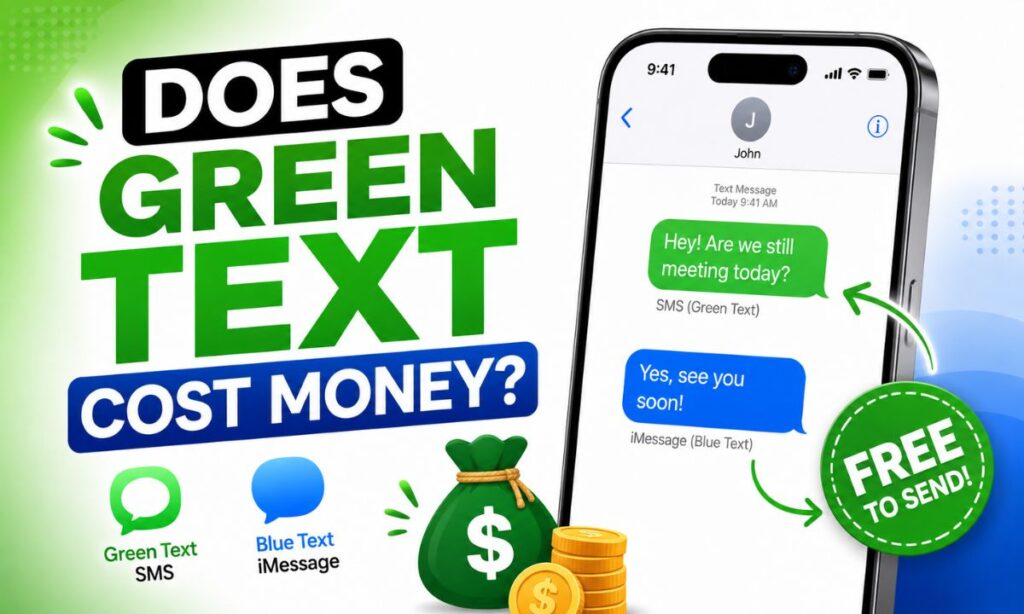
This is a common money question tied to the Green Text Meaning on iPhone. It depends on your carrier plan.
Most modern unlimited plans include unlimited texting, so green messages cost nothing extra, though older or prepaid plans sometimes charge per text. iMessage, by comparison, only uses data or Wi Fi and never adds a text charge.
Are Green Messages Secure? 🔐
Security is an important layer of the Green Text Meaning on iPhone. Green texts sent through SMS or MMS are not end to end encrypted, so they could theoretically be intercepted on the carrier network. iMessage uses strong encryption by default.
Still, everyday green texts remain reasonably private for casual chats, and the real advice for any message, green or blue, is to avoid suspicious links and never share sensitive details over text.
Real Life Examples 🌍
- You text a friend with an Android phone, so every message in that thread appears green
- You are on a hiking trail with no signal, so your iPhone sends the text as SMS instead
- A family group chat has one Android user, turning the entire thread green
- Apple’s servers go down for an hour, and blue chats briefly turn green until service resumes
These everyday scenarios make up the vast majority of the Green Text Meaning on iPhone confusion people experience.
Common Misunderstandings 🙃
- “Green means I got blocked.” Not true in most cases, it simply means SMS was used
- “Green messages never get delivered.” They are typically as reliable as blue ones
- “Green text is a status symbol.” It is purely a technical indicator, not a judgment
- “You can force any phone to show blue.” Both devices need iMessage and an active connection
When Should You Be Concerned? 😟
A single green message is rarely worth worrying about. Pay closer attention if you notice several signs together, such as:
- Calls to that contact go straight to voicemail every time
- Your messages consistently show no delivery confirmation
- The contact’s profile photo disappeared from the thread
- You get no reply through any channel for a long period
Even then, these signs point toward being blocked, a dead phone, or a changed number, not the bubble color alone.
Conclusion 🎯
The Green Text Meaning on iPhone ultimately comes down to one simple fact: your message traveled through SMS or MMS instead of Apple’s iMessage network.
It usually happens because the recipient uses a non Apple device, has iMessage off, or lacks a data connection. Green bubbles do not mean you are blocked, and they do not mean delivery failed.
With this guide, you now understand exactly why bubbles change color, how SMS differs from MMS, whether green texts cost money, and how to switch back to blue. Next time you spot a green bubble, relax and keep the conversation going 😊📲.
Frequently Asked Questions ❓
What does green text mean on iPhone?
Green text means the message was sent as SMS or MMS through your carrier instead of Apple’s iMessage service.
Does green text mean you are blocked?
No, green text almost always just means SMS was used, not that you have been blocked.
Why are my iPhone messages suddenly turning green?
This usually happens when iMessage is disabled, the connection drops, or Apple’s servers face a temporary outage.
Can I turn green messages back into blue ones?
Yes, enable iMessage in Settings, confirm your Apple ID, restart your device, and ask the recipient to do the same.
Do green messages cost extra money?
Only if your carrier plan charges per text; most unlimited plans include SMS/MMS at no extra cost.
Are green messages less secure than blue messages?
Yes, green SMS/MMS texts lack the end to end encryption that iMessage provides by default.
Why is only one contact showing green messages?
That specific contact likely uses a non Apple device, has iMessage turned off, or has no internet connection.
Is the green bubble stigma a real thing?
Yes, it has become a cultural talking point online, though technically it reflects nothing more than the messaging protocol used.
